You bought a new phone or tablet, and the old one went into a drawer "just in case." That was two years ago. It's still there, screen intact, holds a charge — but just sitting unused. Too good to throw away, not worth selling.
Here's the thing: you already own a perfectly capable smart home display. All it needs is the right app and five minutes of your time.
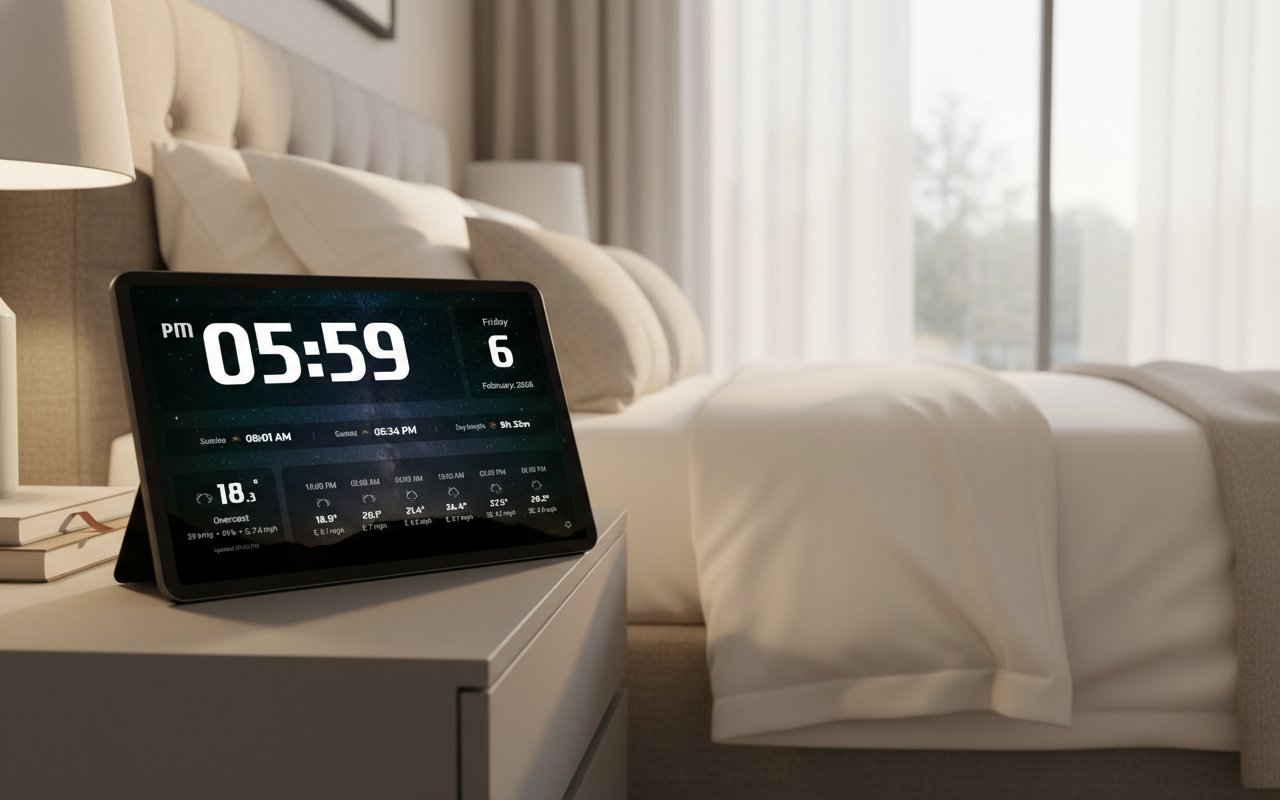
The Problem: Working Tech with Nowhere to Go
Every year, hundreds of millions of smartphones and tablets end up in drawers or landfills. The average device gets replaced after 2–3 years, not because it breaks, but because something newer comes along. Physically, most devices remain perfectly functional for 5–7 years.
A tablet from 2016–2019 handles tasks that don't require cutting-edge hardware with ease: showing the time, weather, sunrise and sunset. It has a bright screen, Wi-Fi, and a charging port — everything needed to run as a permanent display.
Throwing away working electronics is wasteful and bad for the environment. Giving a device a new role in your home is both practical and satisfying.
What It Looks Like in Real Life
Imagine waking up in the morning. On your bedside table — a tablet with a beautiful dark screen. Large, clear digits show the time. Below that — temperature, cloud cover, humidity. Further down — today's sunrise and sunset times.
No fumbling for your phone in the dark. No "Hey Siri, what's the weather?" You just look, and you know. Grab an umbrella or not — the answer is already in front of you.
Or picture a tablet on a kitchen shelf while you make breakfast. Time and forecast at a glance. By the front door — check the weather before you head out without breaking stride.
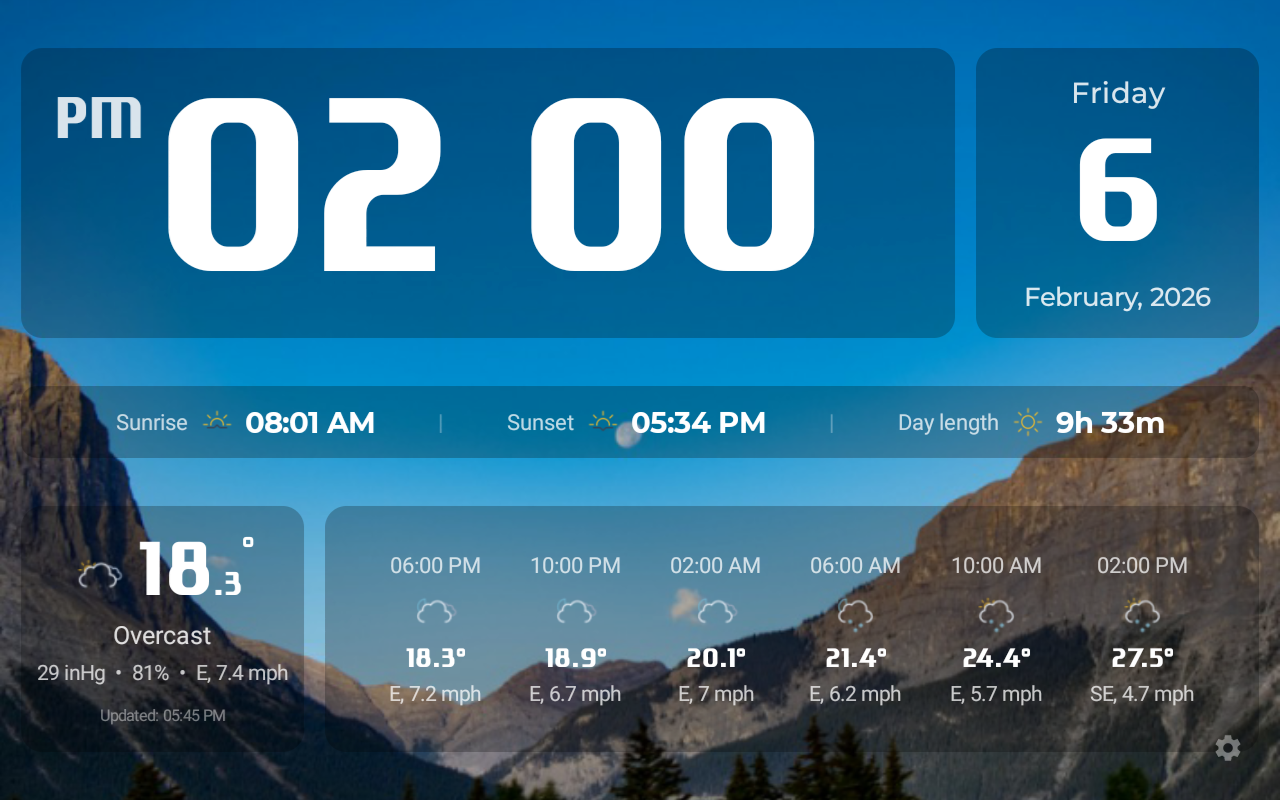
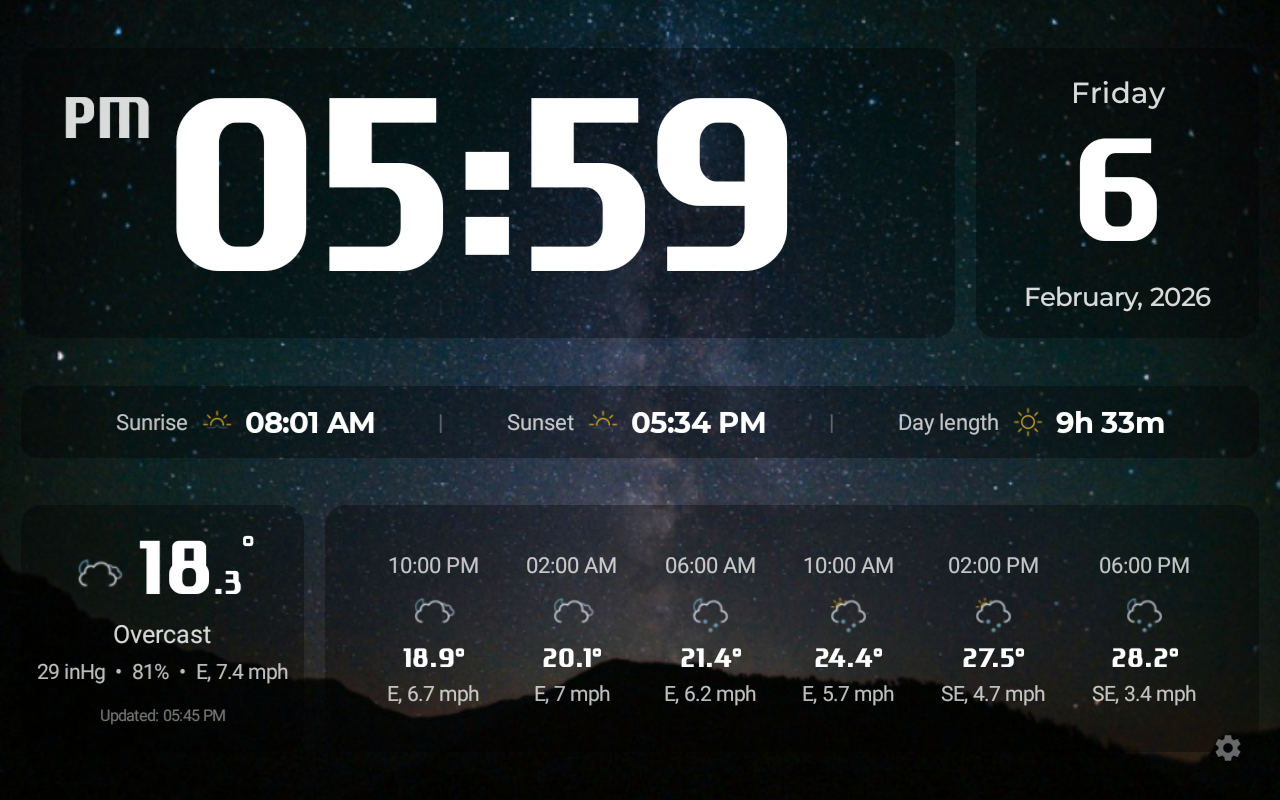
Where to Put Your Old Tablet
A smart display fits naturally in almost any room. Here are the most popular spots:
Bedside Table
The classic setup. Wake up and see the time and weather before you even reach for your phone. The tablet charges overnight from the same cable as always. Night mode switches the theme automatically at sunset — no harsh light in a dark room.
Wall Mount
The most impressive option. A wall-mounted tablet looks like a built-in smart home panel. Universal tablet wall mounts are easy to find online for under $15. You can hide the power cable behind a baseboard or run it along the wall in a cable channel.
Shelf or Counter
Works great in the kitchen, living room, or home office. Any standard tablet stand will do. No drilling, no installation — just set it up and turn it on.
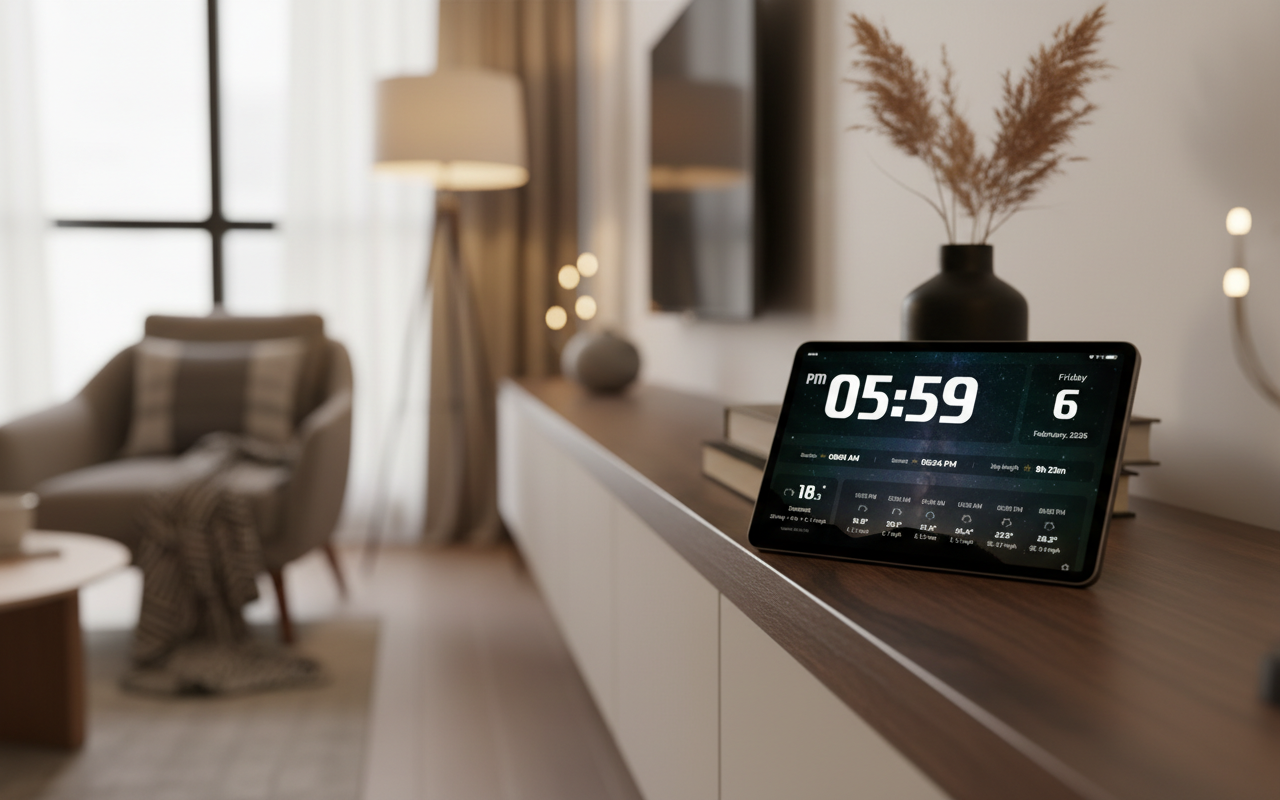
What HelioFrame Shows
HelioFrame is built specifically to turn an unused Android device into a home information display.
- Current time — large and clear, with 12 or 24-hour format support
- Live weather — temperature, feels-like, cloud cover, humidity, wind speed
- 24-hour forecast — updated every 3–6 hours so you can plan your day
- Sunrise & sunset times — calculated precisely for your location
- Automatic theme switching — light background during the day, dark at night, based on sunrise and sunset
- Screen always on — while the device is charging, the display stays on
How to Set It Up in 5 Minutes
-
Download HelioFrame — grab the APK from the official page. The app is free and the file is about 21 MB.
-
Install it on your device — you'll need to allow installation from unknown sources. This is standard for APK files: Settings → Security → Install unknown apps.
-
Open the app and configure it — set your location (or allow auto-detection), choose your time format and preferred look.
-
Plug in the charger and place the device — on a stand, shelf, or wall mount. The app will automatically enable always-on screen mode while charging.
-
That's it. Your smart display runs 24/7.
HelioFrame works on Android 5.0 and above — which covers virtually any device made after 2014.
vs. Buying a Dedicated Smart Display
Dedicated smart displays like the Amazon Echo Show or Google Nest Hub cost between $80 and $250. They do more or less exactly what HelioFrame does on your old tablet.
Why spend money when you already have a device that fits the job? And unlike a smart speaker with a screen, your old Android tablet is a full Android device — if you ever want to use it for something else, you can.
This isn't a compromise. It's a deliberate choice to use what you already have — and get a result that's just as good as buying something new.
Give Your Device a Second Life
Download HelioFrame for free and turn your old tablet or phone into a beautiful smart display
Download Free